



How to Clean an IPL Hair Removal Device Safely

You finish an IPL session, switch off the handset and notice a fingerprint or smear on the light window. Before reaching for a damp cloth or make-up wipe, check what your device’s instructions allow. The right cleaning method depends on the model, and using an unapproved product can put delicate surfaces at risk.
This guide explains how to clean an IPL hair removal device safely, care for its different components and store it properly. It also covers what to do when a mark will not come off with gentle cleaning.
What to Check Before Cleaning Your IPL Device
Start by switching the device off and, if it is plugged in or charging, disconnecting it from the power supply. Then let it cool. A handset that has just finished a session can be warm around the light window, and cleaning it straight away is both uncomfortable and unnecessary.
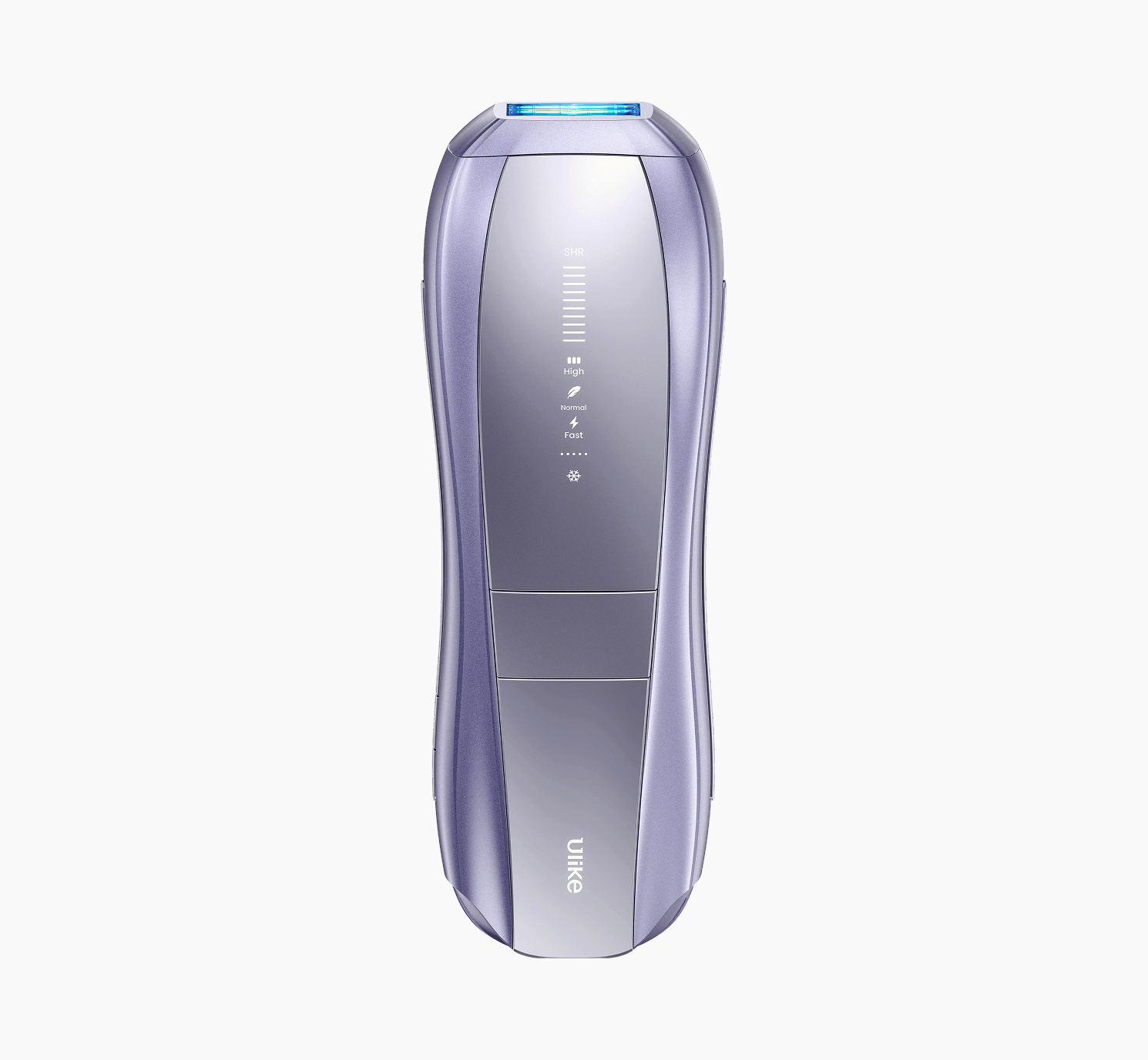
Find the instructions for your exact model. Permitted cleaning methods vary between devices and between components of the same device, so a method that suits one handset may not suit another. Ulike’s Air 10 instructions, for example, specify a clean, dry cloth for the light window. That is a statement about the Air 10, not a rule for every IPL device on the market.
Have a clean, soft cloth ready and work on a clean, flat surface. Keep liquids away from openings and electrical components throughout the cleaning process.
How to Clean an IPL Hair Removal Device After Use
Knowing how to clean an IPL hair removal device starts with checking the instructions for your specific model. Before wiping the handset, switch it off, disconnect it if necessary and let it cool. Use only the cleaning method approved by the manufacturer, particularly for the light window.
Switch off and disconnect. Turn the device off and unplug it from any power source or charging cable, as your manual directs.
Let it cool. Leave the handset until the light window and body no longer feel warm.
Inspect the surfaces. Look at the light window and the casing under good light. Note any visible residue, hair fragments or fingerprints.
Wipe the light window gently. Use the method approved for your model. For the Ulike Air 10, that means a clean, dry cloth. Use light, even strokes without pressing down.
Wipe the outer body. Use a clean, dry, soft cloth to remove dust and fingerprints from the casing and handle, unless your manual specifies otherwise.
Check the manual before touching attachments. If your model has removable parts, clean them only as the instructions describe.
Make sure the handset is ready to store. It should be cool and dry, with any cable disconnected, before it goes back in its case or drawer.
Do not scrub, scrape or lean on the light window to lift a stubborn mark. If gentle wiping does not remove it, the next step is to read the manual or contact support, not to try a stronger product.
How to Clean Different Parts of an IPL Device
The light window, the casing and the electrical areas of a handset each need different handling, so it helps to treat them separately.
The Light Window
The light window needs gentle handling. Use only the cloth and method your model’s instructions approve, and avoid abrasive materials and scraping tools. Do not apply products to lift marks unless the manufacturer approves them.
If the window looks cracked, scratched or cloudy in a way that does not wipe away, stop using the device. Not every mark is surface dirt, and not every mark can be safely fixed at home.

The Outer Body and Handle
Dust and fingerprints on the casing usually come off with a soft cloth. Do not spray any product directly onto the handset, and do not let liquid run into the seams where the housing panels meet.

Buttons, Seams and Openings
Trapped moisture is the main risk here, along with pressing too hard on buttons. Wipe around these areas lightly and leave them dry. Do not push cotton swabs into openings, prise seams apart or try to remove debris from inside the casing.
Attachments and Charging Areas
If your model comes with removable attachments, follow the cleaning instructions for that model. Do not assume an attachment is washable, waterproof or safe to soak. Charging connections need extra care: keep them dry, and do not plug in a cable until the handset and port are completely dry.

Component |
Cleaning approach |
What to avoid |
Light window |
Use the method specified for your model. Ulike Air 10 instructions specify a clean, dry cloth. |
Scrubbing, abrasive materials, scraping tools and unapproved products |
Outer body and handle |
Wipe gently with a clean, dry, soft cloth. |
Spraying products directly onto the handset or allowing liquid into seams |
Buttons, seams and openings |
Wipe the exterior gently and keep these areas dry. |
Forcing tools into openings or attempting to remove internal debris |
Removable attachments |
Follow the instructions for the specific model and attachment. |
Soaking or washing unless explicitly permitted |
Charging area |
Follow the manufacturer’s instructions and keep electrical connections dry. |
Applying liquid or connecting the device while the relevant area is damp |
How to Store Your IPL Device After Cleaning
After cleaning, store the handset in a clean, dry place, following the manufacturer’s storage instructions. The aim is to protect the light window from dust, scratches and knocks, so avoid dropping it loose into a drawer with keys, make-up brushes or other hard items.
If your device came with a case or pouch, use it. Coil the cable loosely so the connectors are not pulled or bent at an angle, and keep the accessories together with the handset. Check your manual for any stated temperature or storage requirements, and follow them over general habit.
Ulike’s Air 10 guidance also advises letting the device cool before storing it.

What to Do About Residue, Smudges or a Cloudy Light Window
A visible mark remains after wiping. Do not increase the pressure or use a product your manual does not mention. Check the manual or contact support.
The window looks scratched or cracked. Stop using the device and contact the manufacturer for guidance. Do not use a damaged handset to see whether it still works.
The window stays cloudy. Do not assume it is surface residue. Consult your model’s instructions or contact support.
Liquid has got into the device. Stop cleaning. Follow the manufacturer’s safety guidance and contact support.
The device smells burnt, overheats or shows an error. Stop using it and contact the manufacturer. Do not open the casing or attempt a repair yourself.
Cleaning Mistakes That Can Damage an IPL Device
Cleaning while the device is powered on or connected, when the manual says to switch it off first.
Cleaning before the handset has cooled.
Scrubbing the light window or using anything abrasive on it.
Spraying cleaning products directly onto the handset or using products not approved by the manufacturer.
Letting liquid reach openings or the charging area.
Using alcohol, bleach, solvents or other chemicals without the manufacturer’s approval.
Soaking components without explicit permission.
Taking the device apart to remove debris.
Frequently Asked Questions
How often should I clean my IPL hair removal device?
Follow the frequency in your model’s instructions. Ulike’s Air 10 guidance recommends wiping the light window with a clean, dry cloth after use, so for that model a quick wipe after each session is the routine. For other models, check the manual.
Can you use alcohol wipes on an IPL device?
Not automatically. Alcohol wipes are not suitable for every device or every surface, and some manufacturers do not permit them. Check your instructions before using one, and if they do not mention alcohol, leave it out.
Can you use water to clean an IPL light window?
Only if your model’s instructions allow it. For the Ulike Air 10, the published instruction is a clean, dry cloth, so water is not part of that routine.
What should you do if the light window will not come clean?
Stop rather than scrubbing harder or trying a stronger product. Read the manual for your model or contact the manufacturer’s support team.
Can you store your IPL device immediately after treatment?
Not until it has cooled. Follow your device’s cool-down and storage instructions before packing it away.
Conclusion
Knowing how to clean an IPL hair removal device safely comes down to following the instructions for your specific model. Use the approved method for the light window, keep electrical connections dry and store the handset as directed. If a mark will not come off with gentle cleaning or the device appears damaged, stop and seek manufacturer guidance.
Not sure which instructions apply to your device? Start with the Ulike product FAQs or contact Ulike support with your model name. For the Air 10, see the Ulike Air 10 usage instructions and the Ulike Air 10 care instructions.
How to Clean an IPL Hair Removal Device Safely

Can You Use IPL on Arms? Will It Work on Your Hair?
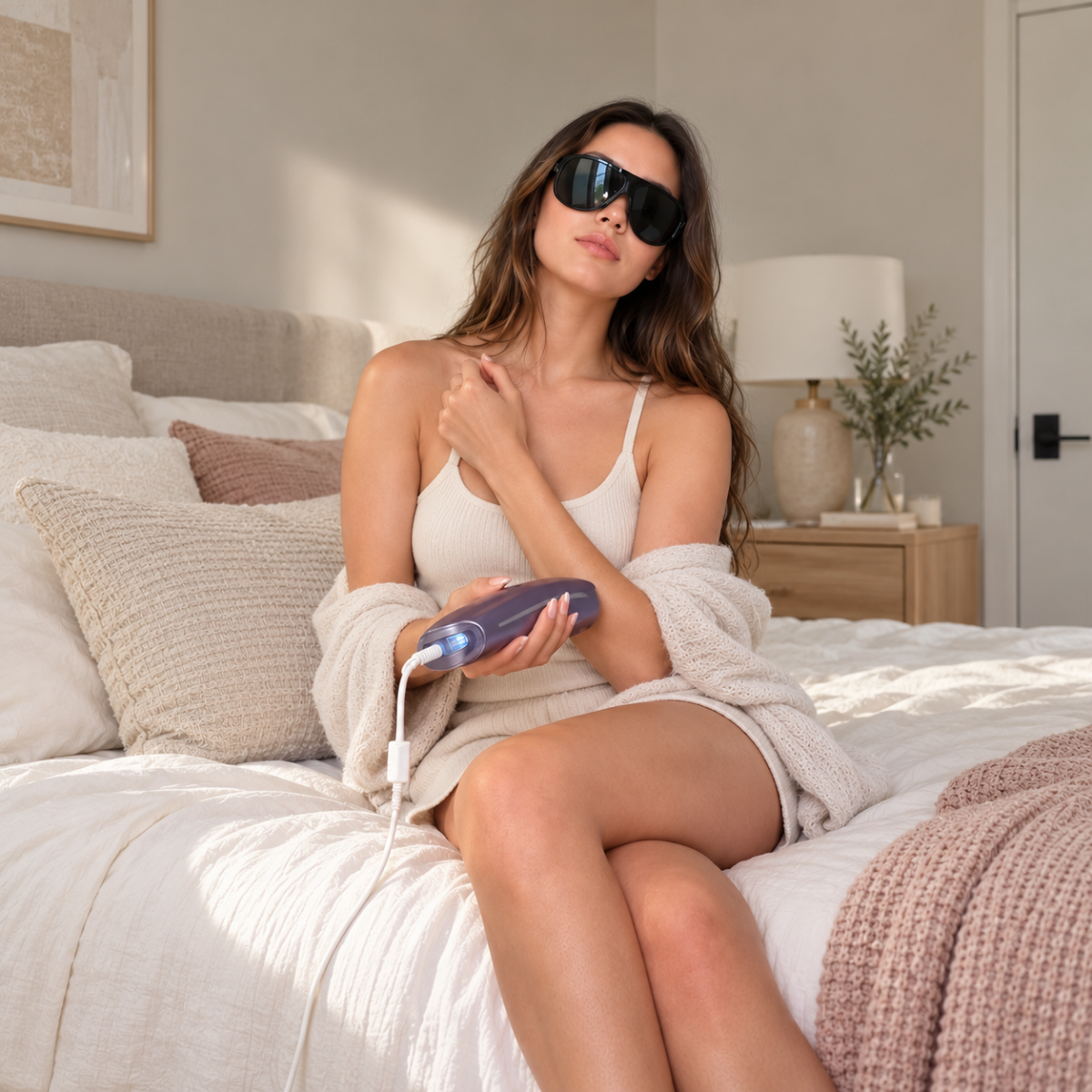
When Does IPL Hair Start Shedding? Signs It’s Working
Explore Beauty
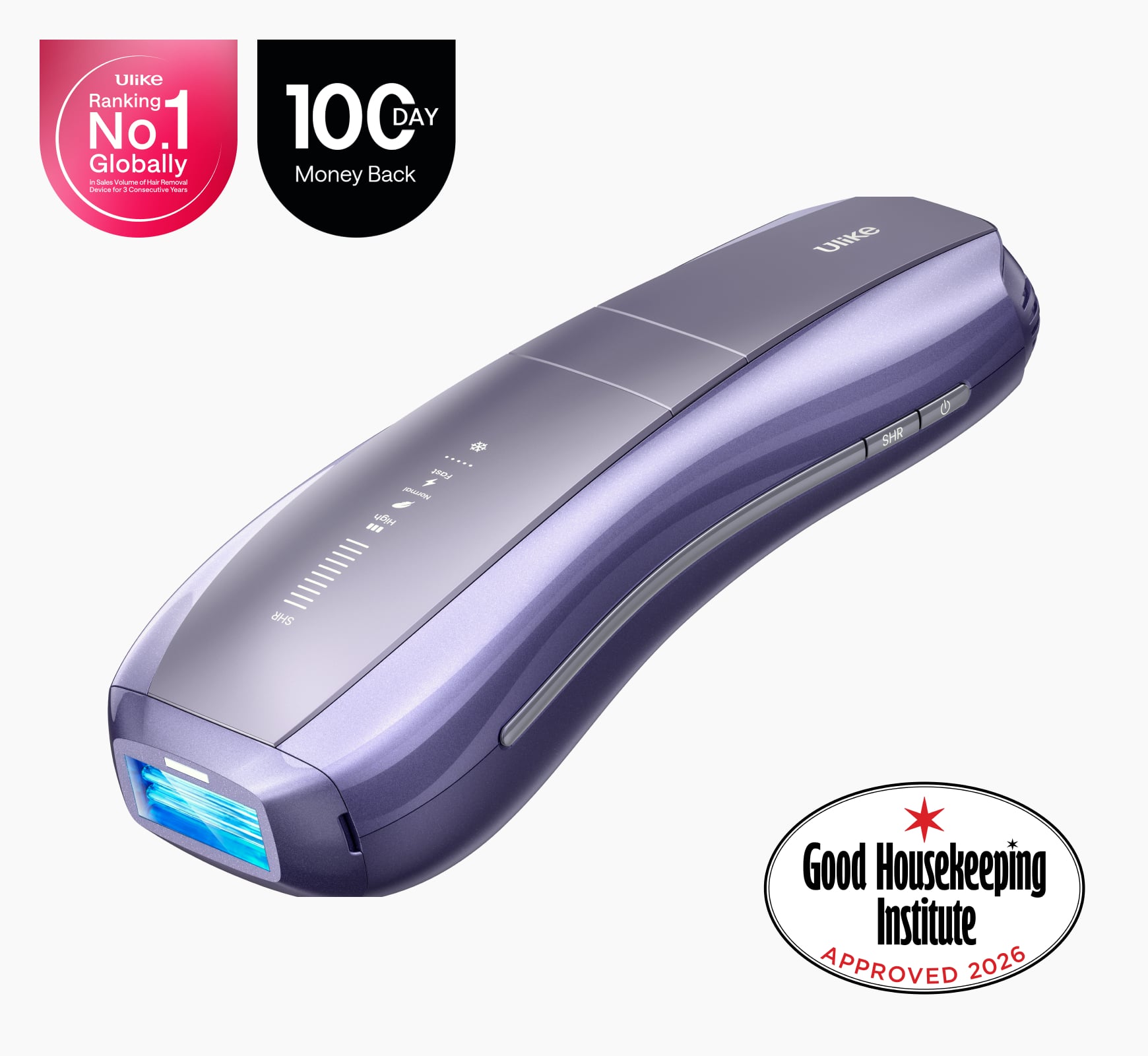
Ulike Air 10
2 weeks to silky smooth skin.
96% Hair Density Reduction in 2 Weeks
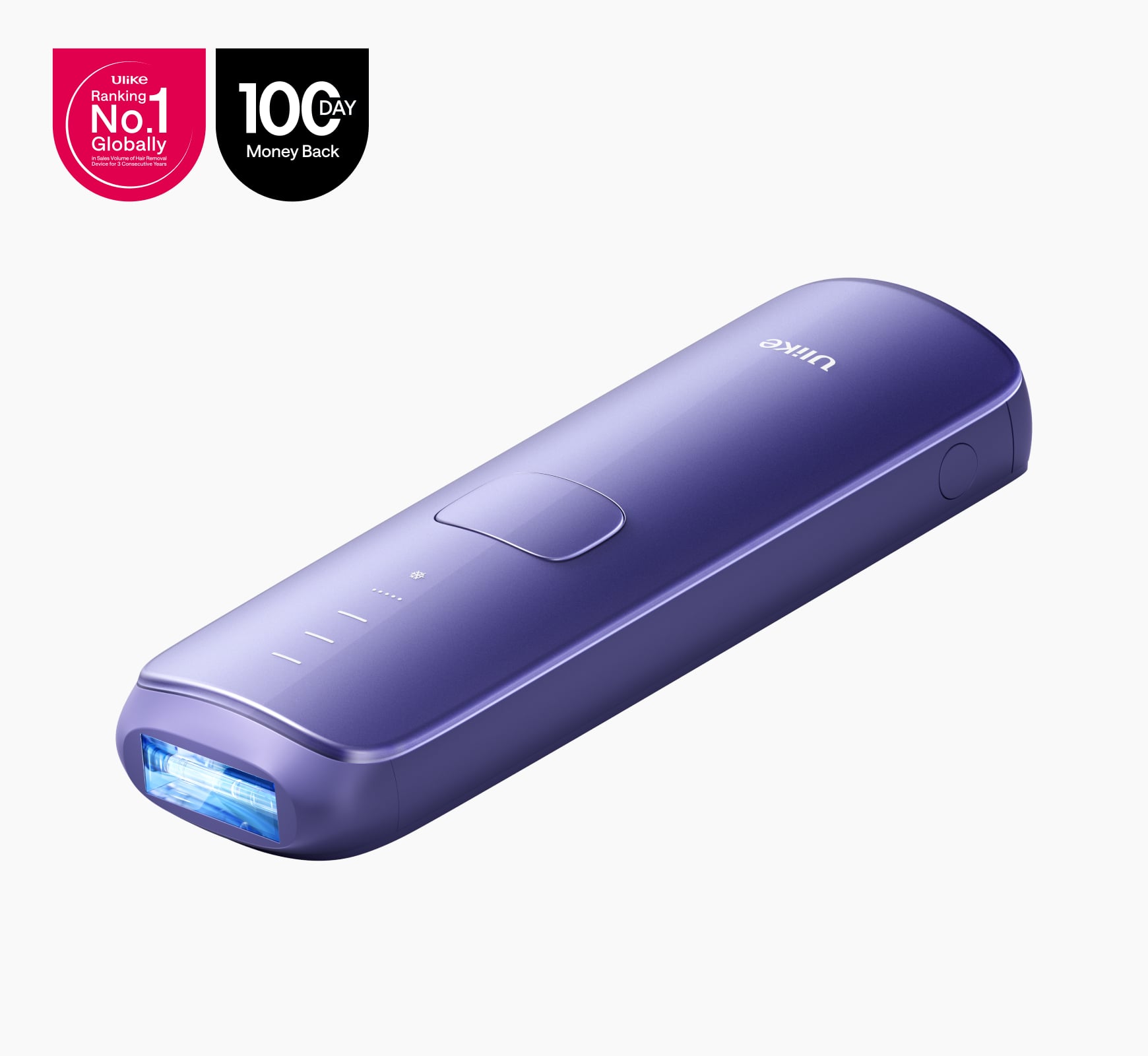
Ulike Air 3
3 weeks to silky smooth skin.
93% Hair Density Reduction in 4 Weeks
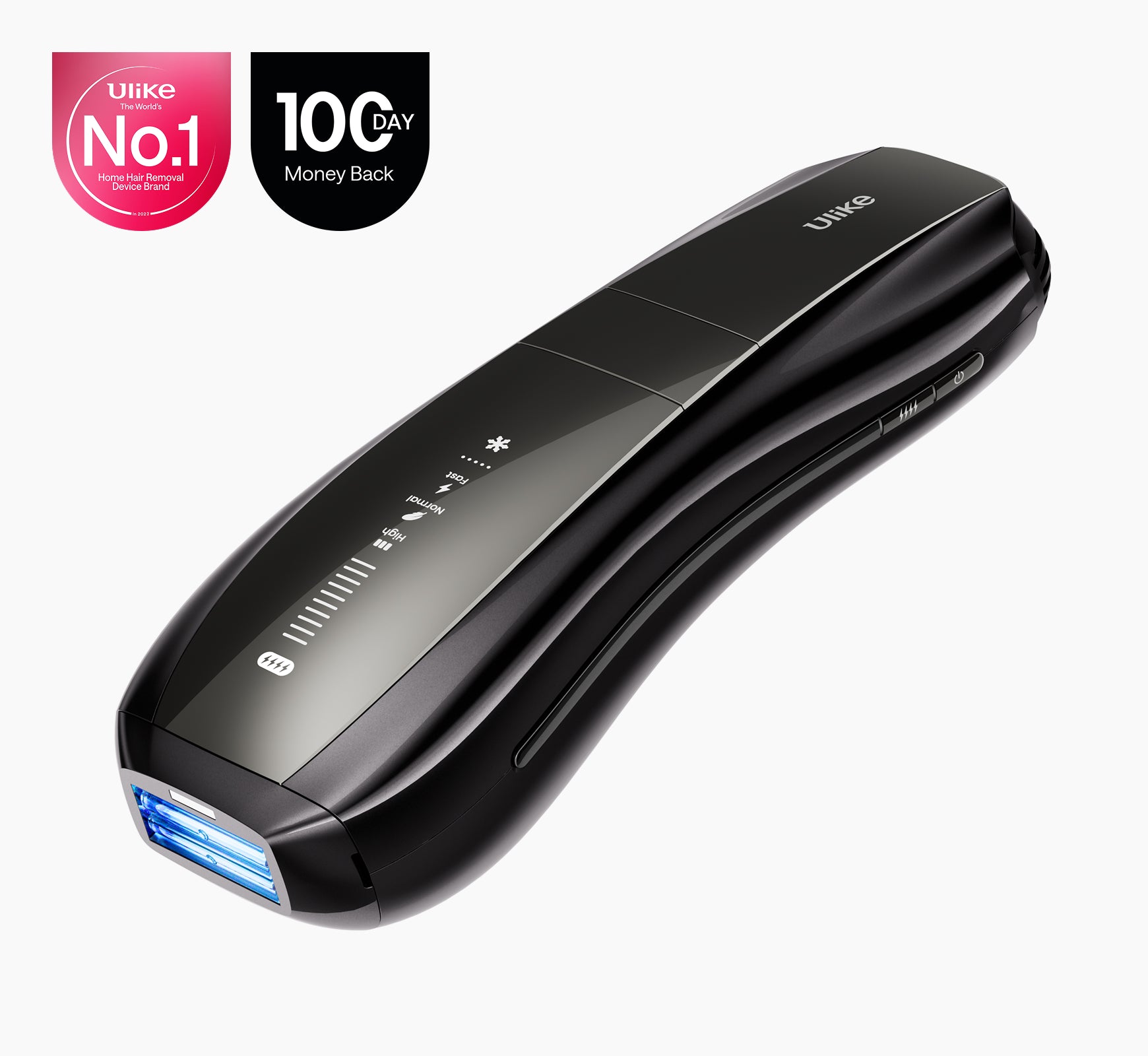
Ulike X
3 weeks to silky smooth skin.
94% hair reduction in just 2 weeks*
Ulike Reglow
Clearer skin in 2 weeks: Fewer breakouts
Smoother skin in 4 weeks: Fewer lines, firmer feel